00
No photo button
Look, adjust, and close. The mirror does not include a capture or gallery flow.
Meet the app
Private, instant, distraction-free mirror. No photo. No gallery. No upload. No ads on the mirror.
The camera app is for taking photos. MyMirror is for seeing yourself: makeup, shaving, hair, contact lenses, and quick checks anywhere.

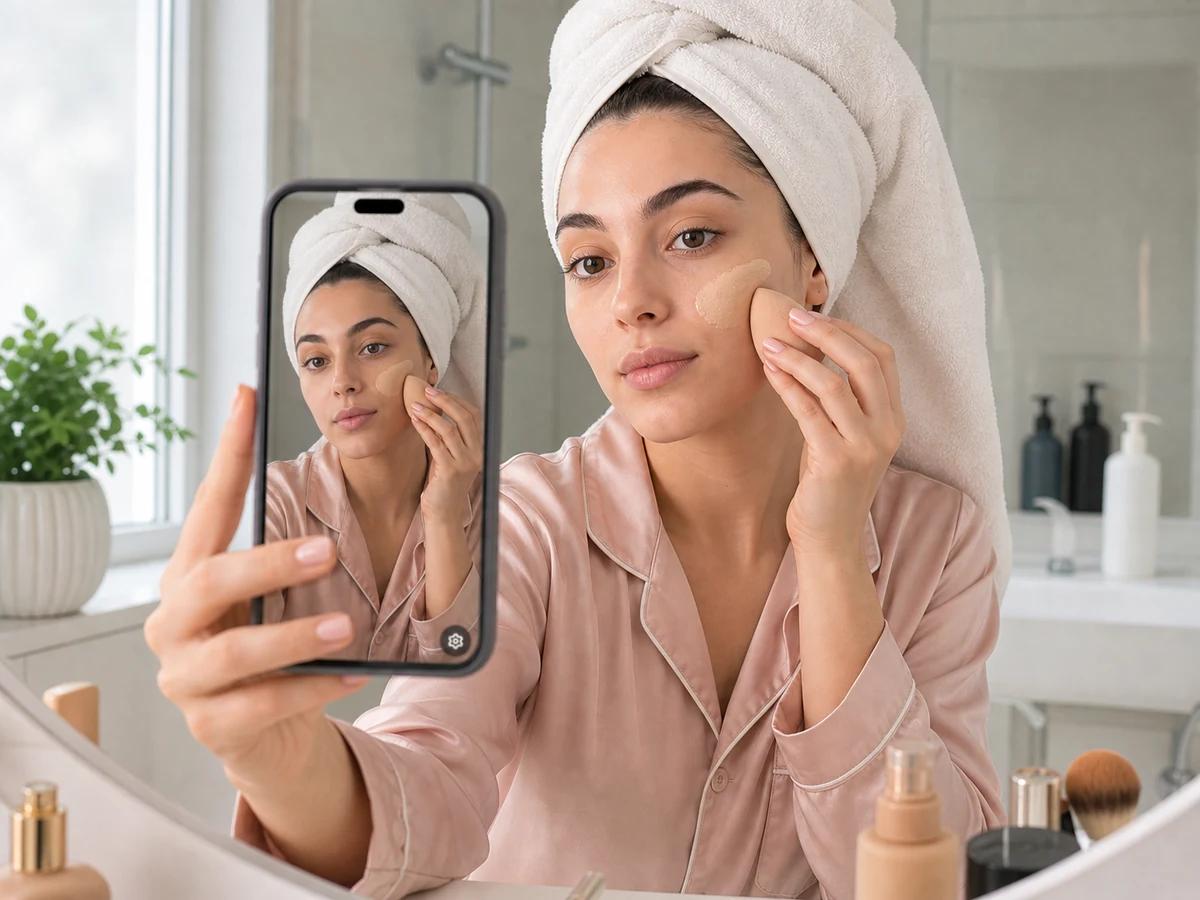
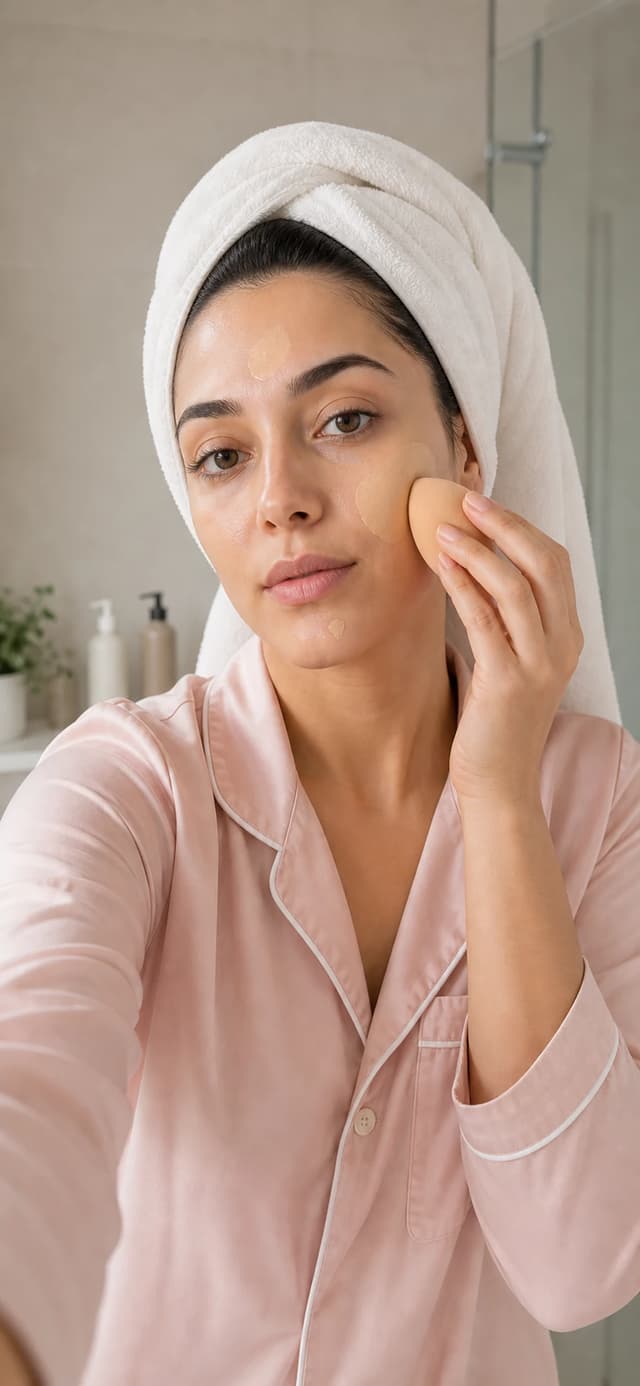
A normal camera has a shutter button, gallery, modes, and the risk of accidental capture. MyMirror opens as a private mirror and does not save anything.
Look, adjust, and close. The mirror does not include a capture or gallery flow.
The normal mirror view shows only the mirrored front camera and a discreet settings button.
The app does not save, send, share, upload, or create media from the camera preview.
The basic mirror is free and unlimited. Advanced tools unlock with a one-time purchase.
Real use
MyMirror is built for the moments when opening the normal camera adds clutter instead of helping.
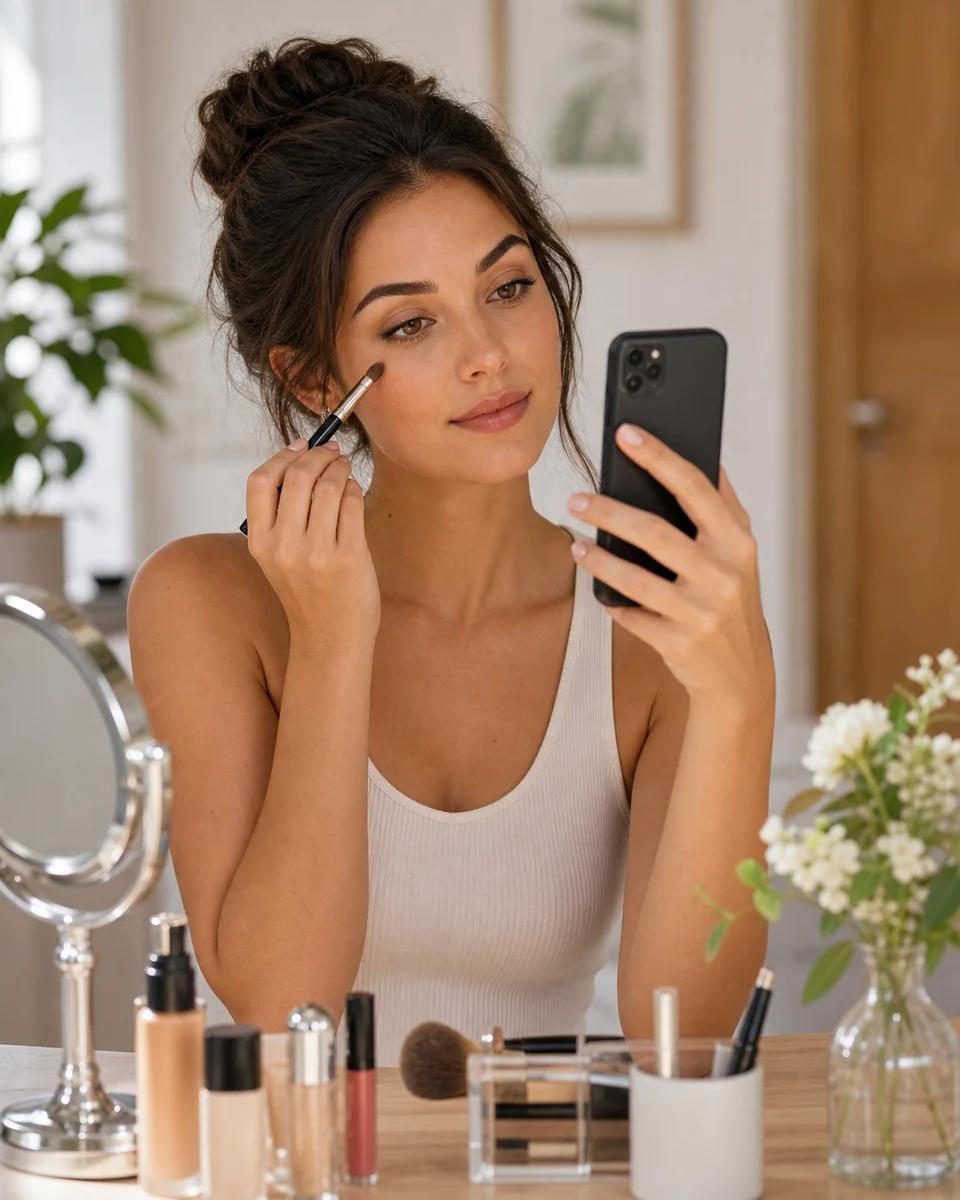
Use brightness, zoom, and presets to check details without camera controls covering the screen.
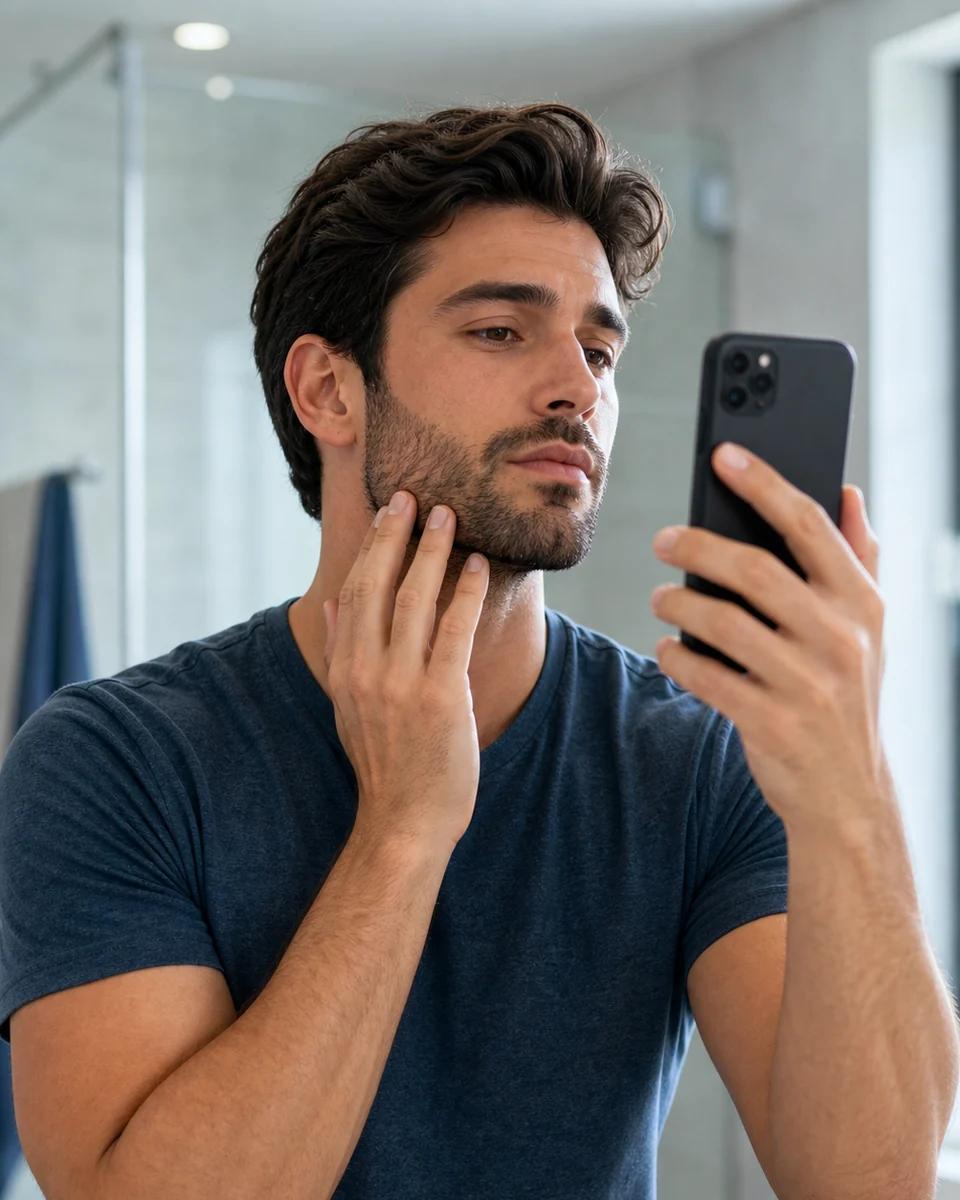
Check lines, small adjustments, and details with a mirrored full-screen preview.
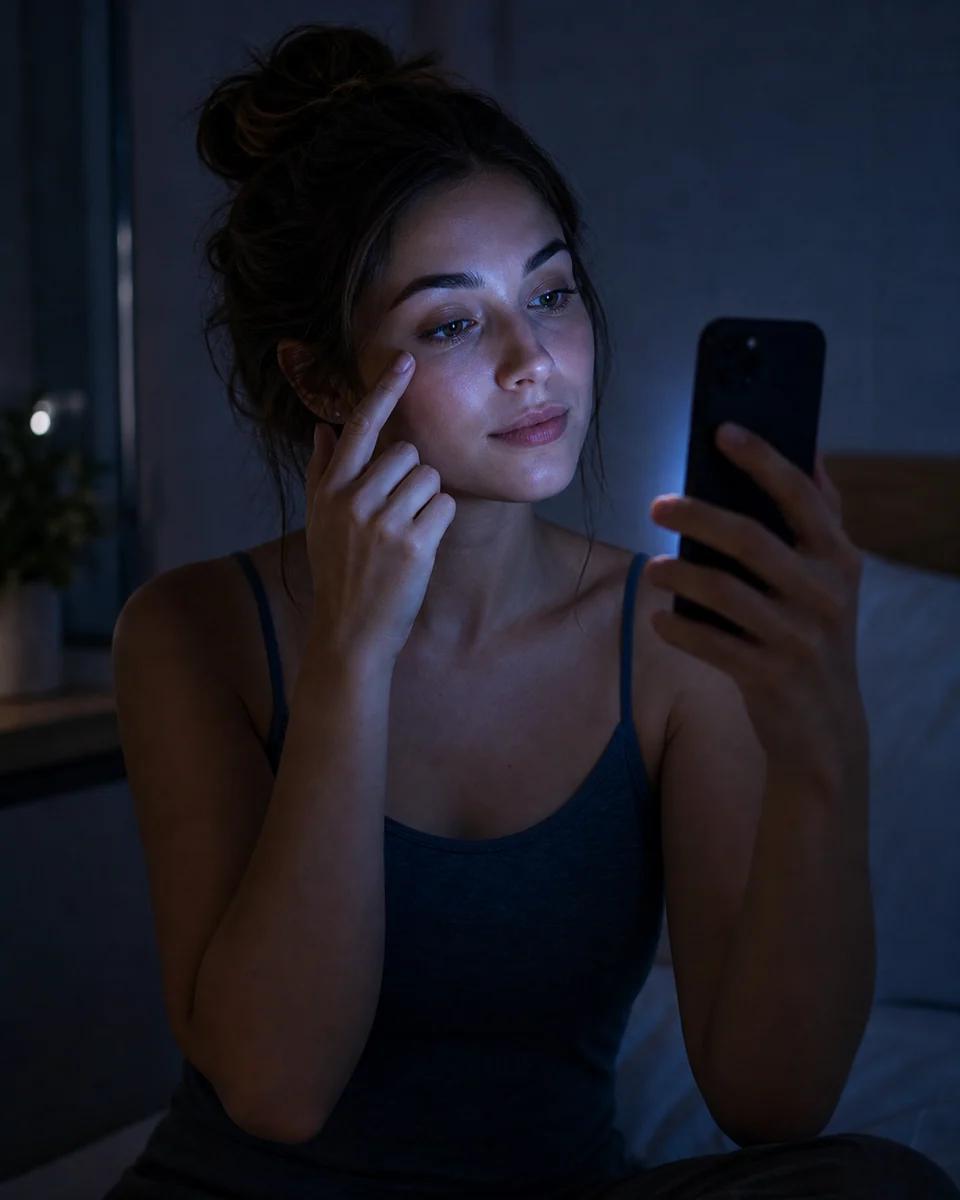
The screen helps you see better while controls stay hidden until you need them.
Features
The basic mirror stays free and unlimited. MyMirror Pro adds advanced controls.
Mirrored front-camera preview, without shutter, gallery, or photo modes.
Practical controls for makeup, shaving, hair, contact lenses, and facial details.
Pause the mirror briefly to check a detail, then return to live preview.
Natural, Makeup, Low light, and Detail presets change the mirror quickly.

Quick check
Before leaving
Open the mirror, check your face, and close it without accidentally creating a photo.
Grooming
Daily details
Zoom and full screen help when a physical mirror is not nearby.
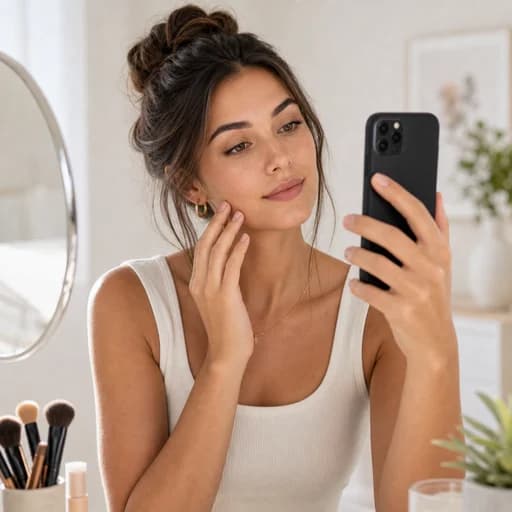
Makeup
Visual control
Brightness, presets, and freeze are designed for checking small details.
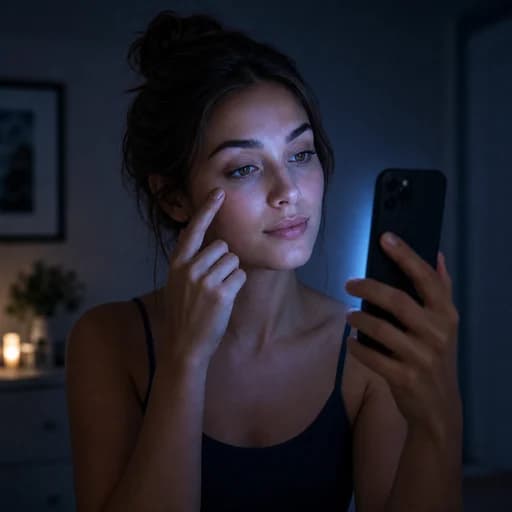
Low light
Screen support
The app helps you see better without turning the moment into a social camera.
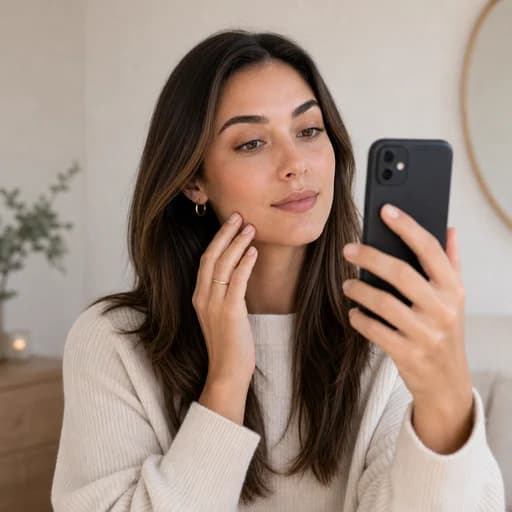
No distraction
Private by default
No account, feed, gallery, capture, upload, or ad covering the mirror.
Privacy first
MyMirror uses the camera only as a local live preview. There is no capture, saving, upload, account, gallery, or ad over the mirror.
Start now
Download MyMirror and turn your phone into a private, instant, distraction-free mirror.